

View the Example Notebook
Try out an example Jupyter Notebook
Initial Setup
The first is installingbeam-client and adding your Beam credentials to the notebook:
Running Functions
Your local notebook server has access to the Beam credentials on your computer, so you can run Beam functions in the notebook cells like you normally would. You can run GPU accelerated functions, mount storage volumes, and use the full-functionality of Beam from the notebook.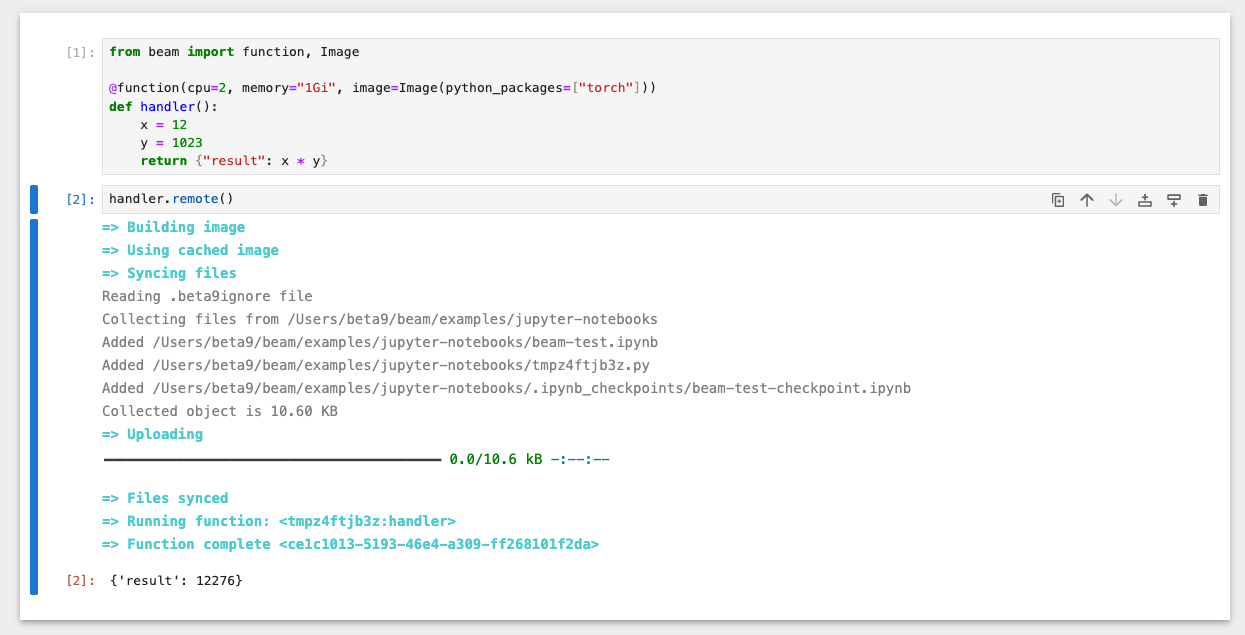
Launching a Local Notebook Server
You can spin up a local Jupyter notebook server using thejupyter CLI.
If you already have a local Jupyter environment, you can skip this step.
If you don’t have it installed yet, you can do it with pip:
localhost:8888.